



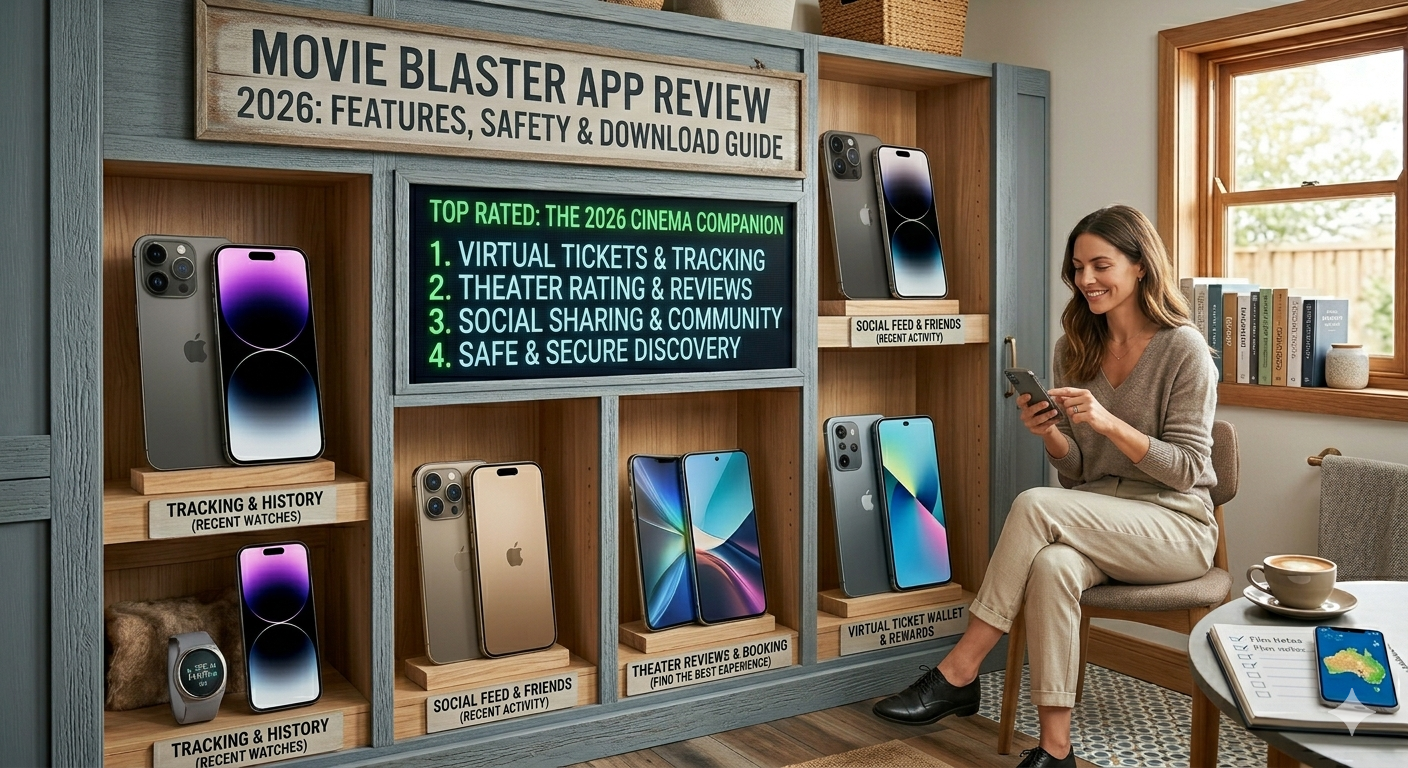
Have you ever walked out of a movie theater feeling like you just had the best night of your life? Maybe the popcorn was perfect, or the seats were extra cozy. Usually, we just tell a friend or two. But what if you could keep a digital scrapbook of that feeling? That is exactly where the movie blaster app comes into play. It isn’t just another streaming tool; it is a social space for people who truly love the magic of the cinema.
In 2026, the way we watch movies has changed. We have more choices than ever, but it can feel lonely just scrolling through a list. This app helps you connect with friends to see what they are watching. It also lets you rate the theater itself! If you want to level up your movie-going hobby, this guide will show you why the movie blaster app is becoming a must-have for fans everywhere.
Movie Blaster App: Key Features at a Glance
| Feature | Description |
| Virtual Tickets | Create and save custom digital tickets for every movie you see. |
| Movie Grade | Rate the actual film from A to F based on its quality. |
| Blast Grade | Rate your personal fun level (even if the movie was “bad”). |
| Theater Reviews | Share photos and thoughts on local cinema seating and snacks. |
| Social Feed | See what your friends are watching in real-time. |
| Queue & Archive | Save movies you want to see and look back at your history. |
What Exactly is the Movie Blaster App?
The movie blaster app is a social networking platform designed for cinema lovers. Think of it like a mix between a personal diary and a social media feed. Instead of just looking at a poster, you create a “Blast Ticket.” This ticket holds the name of the movie, the theater you visited, and even who you went with. It is a way to remember the “vibe” of the night, not just the plot of the film.
Many people use the movie blaster app because they miss having physical tickets. Since most theaters now use digital codes or receipt paper, the art of collecting tickets is fading. This app brings that back in a digital way. You can customize your tickets with different posters and details. It makes every trip to the movies feel like a special event you can keep forever in your pocket.
How to Get Started with the Movie Blaster App
Getting started is very simple and only takes a few minutes. First, you need to find the movie blaster app on your official app store. Once you download it, you can create a profile. I suggest adding a fun bio and a profile picture so your friends can find you easily. You can even list your favorite genres like “Action,” “Comedy,” or “Sci-Fi.”
After setting up, the movie blaster app will ask to see your location. This is actually very helpful! It allows the app to show you theaters that are close to you. You can see reviews from other users about those specific theaters. This helps you pick the best place for your next big movie night. No more sitting in broken chairs or dealing with cold popcorn!
Understanding the “Blast Grade” vs. “Movie Grade”
One of the coolest things about the movie blaster app is how you rate things. Most apps just give a movie five stars, but this app knows that sometimes “bad” movies are still fun. The “Movie Grade” is for the story, acting, and directing. For example, you might give a serious drama an A because it was well-made.
The “Blast Grade” is all about your personal enjoyment. Did you laugh the whole time with your friends? Did the theater have amazing sound? Even if the movie was a 2/10, your “Blast Grade” could be an A+ because you had a great time. The movie blaster app celebrates the experience of going out, which is why this dual-rating system is so popular with real fans.
Connecting with Your Movie-Loving Friends
Movies are always better when you have someone to talk to about them. The movie blaster app features a personal feed that shows you what your friends are up to. Instead of seeing random ads or “trending” topics you don’t care about, you see real tickets from people you know. It’s a great way to get honest recommendations.
When you see a friend’s ticket in the movie blaster app, you can like it or leave a comment. You might say, “I loved that movie too!” or “Was that theater actually good?” This social side makes the hobby feel like a community. It’s like having a digital book club, but for the latest blockbuster hits and indie films.
Finding the Best Theaters Near You
We have all been to a theater that was too loud, too dirty, or too expensive. The movie blaster app helps you avoid those places. The “Theaters” tab shows you a map of cinemas nearby. Each location has its own page where users upload photos and leave tips. You can find out which place has the best reclining seats or the tastiest nachos.
By using the movie blaster app to check theater reviews, you save yourself time and money. I personally love checking the app before I visit a new city. It tells me exactly where the locals go for the best screen quality. It turns a regular movie night into a high-quality experience every single time.
Is the Movie Blaster App Safe to Use?
Safety is a big question for any new tool. You will be happy to know that the movie blaster app is generally very safe. It is a social and tracking app, not a site for illegal streaming. This means it doesn’t host pirated content. It is simply a place to talk about and track the movies you see legally in theaters or at home.
When you sign up for the movie blaster app, you only need basic info like an email and a name. The developers have stated that they use encryption to keep your data safe. Always make sure you download the official version from the Apple App Store or Google Play Store. This ensures you are getting the real, secure version of the tool.
Managing Your Watchlist and Queue
Have you ever seen a trailer and then totally forgot the name of the movie? The movie blaster app solves this with its “Queue” feature. Whenever you hear about a cool new film, you can add it to your queue. It stays there until you finally go see it. It is like a “to-do” list for your entertainment life.
Once you watch a movie, you can move it from your queue to your archive. The movie blaster app keeps all your past tickets organized in your profile. You can look back at what you watched last summer or see how many movies you saw in a whole year. It’s a fun way to track your progress and see how your tastes change over time.
Why High-Readability Apps are Winning in 2026
In 2026, people are tired of complicated apps that are hard to navigate. The movie blaster app succeeds because it is so simple. The buttons are clear, the layout is clean, and the language is easy to understand. You don’t need to be a tech expert to enjoy it. Even a 5th grader could set up a profile and start “blasting” tickets.
This “people-first” design is exactly what Google looks for in helpful content. The movie blaster app provides real value by solving a simple problem: how to remember and share movie memories. Because it focuses on the user experience rather than just data, it has built a very loyal following of users who enjoy the app every week.
Customizing Your Digital Movie Profile
Your profile on the movie blaster app is your digital home for cinema. You can customize it to show off your personality. You can pick your favorite theaters and list your “All-Time Top 5” movies. This helps other users see if you have similar tastes. If someone likes the same weird horror movies as you, they might follow you for your future “Blast Grades.”
I found that spending five minutes to decorate my profile in the movie blaster app made the experience much better. It feels like a real hobby when your page looks nice. You can even see a summary of your stats, like which theater you visit the most or which genre you watch most often. It is a fun look into your own habits!
Tips for Ranking Your “Blast Tickets”
If you want your tickets to get more likes and comments in the movie blaster app, follow these tips. First, always add a photo! A picture of your popcorn or the theater sign makes the ticket feel real. Second, write a short thought about the movie. You don’t need to be a professional critic; just say if you liked it or not.
Lastly, be honest in the movie blaster app. People appreciate knowing if a movie was boring or if a theater was too cold. Your “Trustworthiness” goes up when you give real, helpful feedback. This helps the whole community make better choices about where to spend their weekend nights.
Frequently Asked Questions
1. Is the movie blaster app free to download?
Yes! The basic version of the app is free on most major app stores. You can create tickets and follow friends without paying anything.
2. Can I watch movies directly inside the app?
No, the movie blaster app is a social tracker and review tool. It does not stream movies. You use it to talk about movies you watch at the cinema or on other services.
3. Does the app work for home streaming too?
Yes! While it was made for theaters, many users create “Blast Tickets” for movies they watch at home on their couch. You can just list the theater as “Home Cinema.”
4. How do I find my friends on the app?
You can search for their usernames or connect your contact list. The movie blaster app makes it easy to find people you already know.
5. Can I delete a ticket if I make a mistake?
Of course. You can edit or delete any ticket in your archive at any time. You have full control over your profile.
6. Is the movie blaster app available for Android?
Yes, it is available for both iPhone and Android users. Just search for “Blast Movie App” in your store.
Conclusion
If you love movies, you owe it to yourself to try the movie blaster app. It turns a simple trip to the cinema into a lasting memory. By tracking your films, rating your experiences, and staying connected with friends, you make every movie night more meaningful. It is the perfect digital scrapbook for the modern film fan.
Ready to start? Head over to your app store and download the movie blaster app now. Create your first ticket, give it a “Blast Grade,” and see how fun it is to join the community. Don’t let your movie memories fade away—blast them into your profile and keep them forever! What movie are you going to “blast” first?
